SaaS UX Best Practices: How to Design Products Users Understand and Keep Using
Software as a Service, commonly known as SaaS, has transformed the way businesses operate. From CRM platforms and project management tools to finance, healthcare, education, and AI-powered applications, SaaS products now support millions of businesses worldwide.
However, having powerful features alone is not enough. Many SaaS products struggle because users find them difficult to understand and frustrating to use.
Complicated onboarding, confusing dashboards, inconsistent navigation, and poorly structured workflows can lead to low product adoption, reduced user retention, and higher customer churn.
The most successful SaaS businesses invest in user experience before continuously adding more features.
In this guide, we explore the most important SaaS UX design best practices for creating digital products that are easier to learn, faster to use, and more valuable over time.
What Makes SaaS UX Different?
A marketing website is usually designed to attract attention, explain a service, and encourage visitors to complete an action. A SaaS product is different because users may interact with it every day.
SaaS products often need to support:
- Daily tasks and repeatable workflows
- Complex business processes
- Large amounts of information and data
- Multiple user roles and permissions
- Team collaboration
- Long-term product engagement
Good SaaS UX is not only about creating an attractive interface. It is about helping users complete important tasks with less confusion and effort.
Start with User Problems, Not Features
Many startups begin the product development process by creating a long list of features. Successful SaaS products begin by understanding the problems users are trying to solve.
Instead of asking only, “What features should we build?”, product teams should ask:
- What problem are we solving?
- Who experiences this problem?
- How do users currently solve it?
- What frustrates them about the current process?
- What result are users trying to achieve?
- Which part of the workflow creates the most friction?
These questions help teams focus on meaningful product outcomes instead of building features that users may not need.
Great SaaS UX starts with research, empathy, and a clear understanding of user goals.
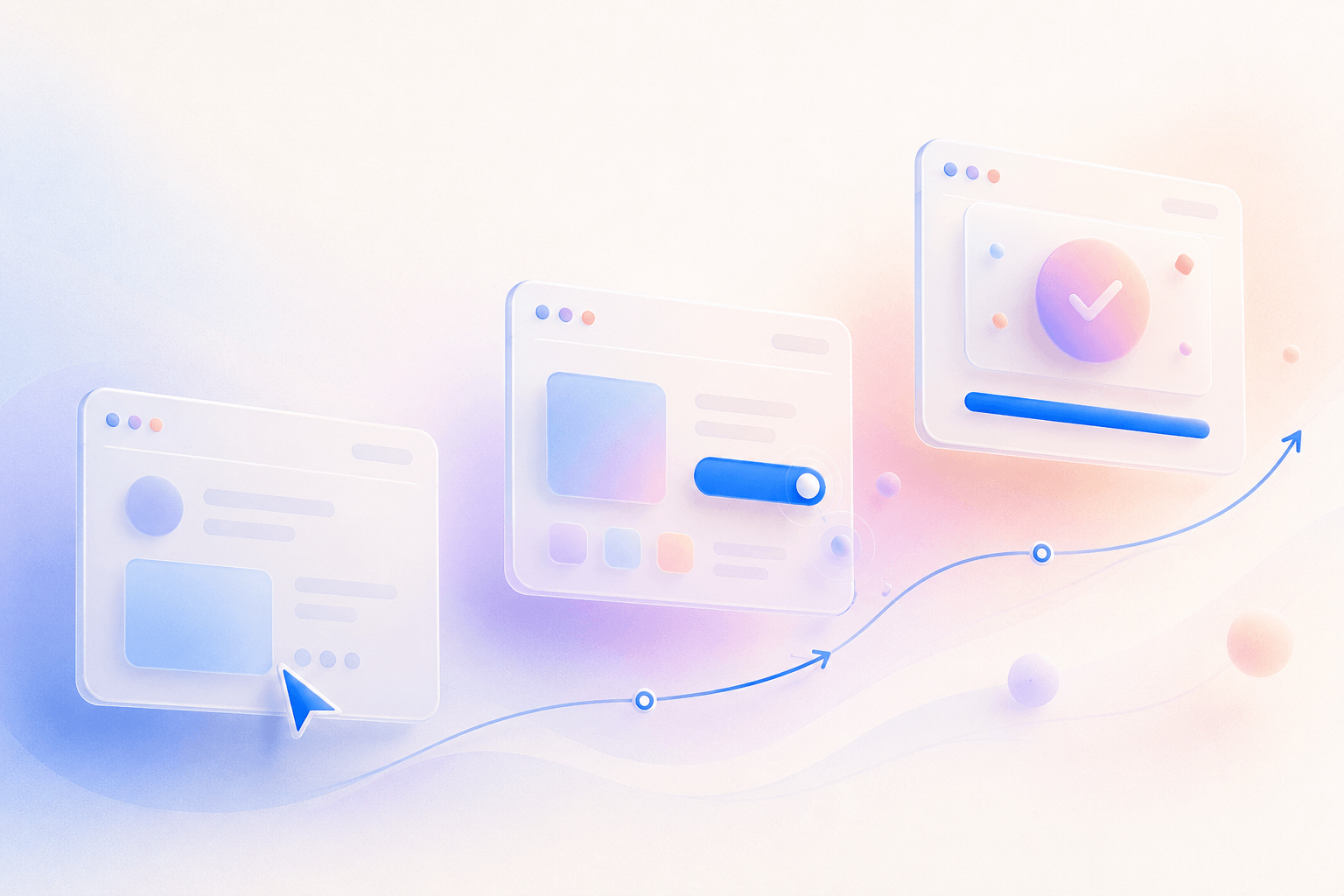
Keep Onboarding Simple
Most users decide whether a SaaS product feels useful within the first few minutes of using it.
A strong onboarding experience should help users understand the product's value and reach their first meaningful result quickly.
Effective SaaS onboarding should:
- Explain the product's value clearly
- Guide users through essential steps
- Avoid unnecessary questions and forms
- Provide useful examples or sample data
- Show progress throughout the setup process
- Help users experience an early success
Do not try to teach every feature during onboarding. Focus on helping users complete the most important action first.
This first successful outcome is often called Time to First Value.
Reduce Cognitive Load
Cognitive load refers to the amount of mental effort users need to understand and use a product.
SaaS interfaces often become complicated because teams continue adding buttons, widgets, reports, settings, and notifications without improving the overall structure.
Every dashboard and product screen should answer one question:
What does the user need to understand or do right now?
To reduce cognitive load, remove or simplify unnecessary:
- Charts
- Buttons
- Notifications
- Widgets
- Menu items
- Form fields
- Technical language
Clear visual hierarchy, progressive disclosure, and focused workflows help users make decisions faster.
Design Better Dashboards
Dashboards are central to many SaaS products. They may display business performance, customer activity, project progress, tasks, financial data, or operational insights.
A successful dashboard should help users understand important information without requiring them to analyse every detail.
An effective SaaS dashboard should:
- Highlight the most important metrics
- Surface urgent actions and alerts
- Show recent activity
- Use a clear visual hierarchy
- Make data easy to scan
- Keep navigation predictable
- Allow users to explore additional details when needed
Avoid adding charts simply because data is available. Every visual element should support a real user decision.
Build a Consistent Design System
As SaaS products grow, maintaining consistency becomes increasingly difficult.
A design system creates reusable components, patterns, and standards that help designers and developers build new features without creating an inconsistent experience.
A SaaS design system may include:
- Typography styles
- Colour tokens
- Buttons and interaction states
- Form fields
- Navigation patterns
- Cards
- Tables
- Modals
- Spacing rules
- Icons
- Accessibility guidelines
A well-structured design system improves product consistency, accelerates development, and reduces design debt.
Design for Multiple User Roles
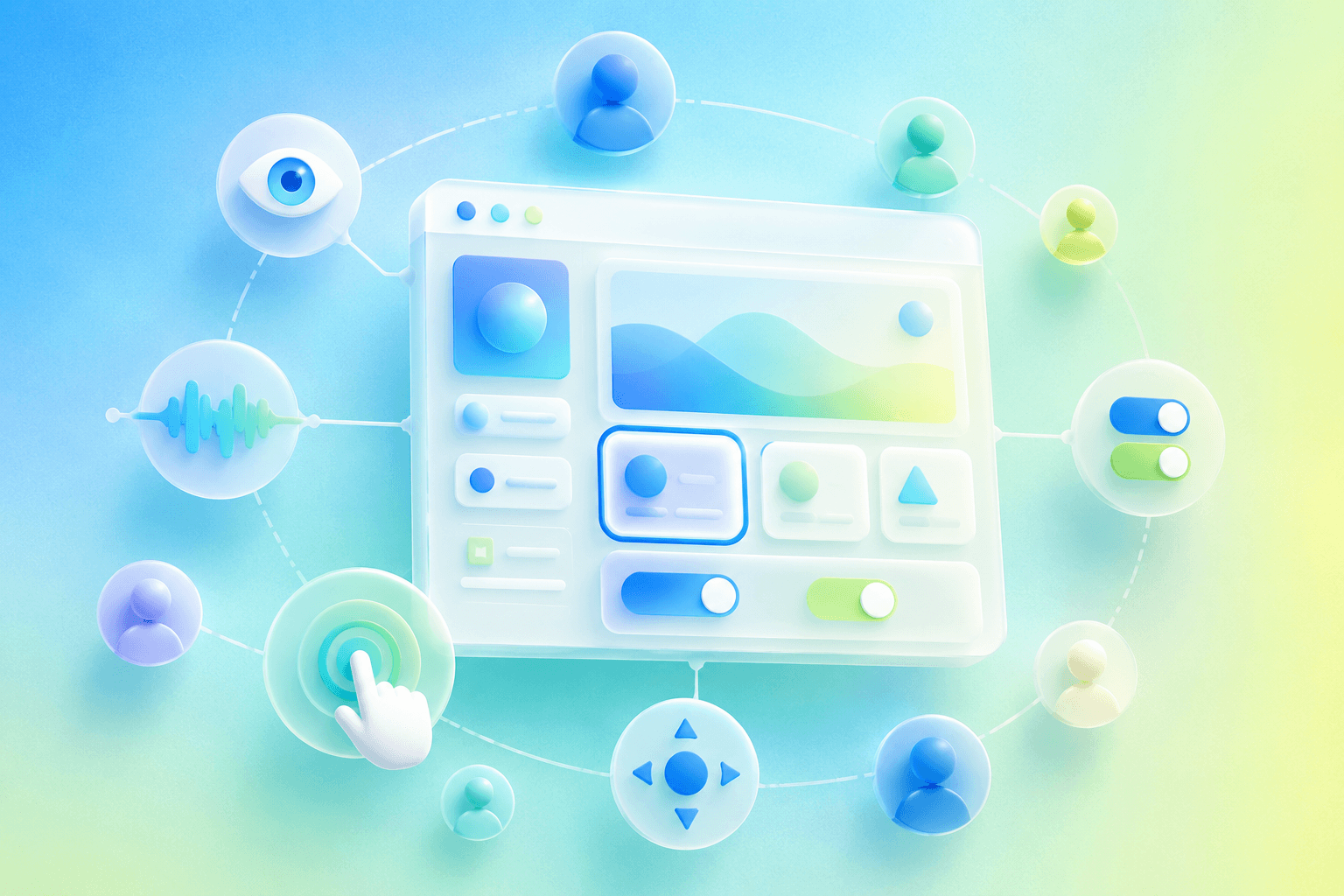
Many SaaS platforms serve different types of users. For example, one product may include:
- Administrators
- Managers
- Employees
- Customers
- Vendors
- External partners
Each role may have different responsibilities, permissions, tasks, and goals.
Showing every user the same dashboard can create unnecessary complexity. Instead, SaaS products should provide role-based experiences that prioritise the information and actions relevant to each user.
Role-based design can improve usability, reduce security risks, and make the product easier to understand.
Improve Navigation
Navigation should always help users answer three basic questions:
- Where am I?
- What can I do here?
- How can I move to another part of the product?
SaaS navigation should remain predictable across the entire platform.
Avoid deep menu structures, unclear labels, and important features hidden inside multiple levels of navigation.
Use familiar language instead of internal company terminology. Users should be able to understand a menu item before clicking it.
Design Helpful Empty States
New users often encounter dashboards, lists, reports, and project areas that do not contain any data yet.
A blank screen can make users feel confused or unsure about what to do next.
Instead of displaying an empty interface, provide:
- A short explanation
- A clear next step
- A setup guide
- Sample data
- A relevant call-to-action
- A helpful illustration
A good empty state helps users move forward and understand the purpose of the feature.
Write Helpful Error Messages
Error messages should help users understand what happened and how to fix the problem.
Avoid showing technical messages such as:
Error 401
Instead, provide clear and actionable guidance:
Your session has expired. Please sign in again to continue.
A useful error message should:
- Explain the problem in simple language
- Avoid blaming the user
- Provide a clear solution
- Preserve entered information where possible
- Offer support when the issue cannot be resolved immediately
Measure User Success
Good SaaS UX should be measurable.
Product teams can track behavioural and business metrics to understand where users succeed and where they experience friction.
Important SaaS UX metrics may include:
- Time to First Value
- Activation rate
- Feature adoption
- Task completion rate
- User retention
- Customer churn
- Support requests
- Conversion rate
- Customer satisfaction
Metrics should be combined with user feedback and usability testing. Data can show where a problem exists, while user research can help explain why it exists.
Accessibility Is Essential
SaaS products should be designed so that people with different abilities can use them effectively.
Accessibility considerations include:
- Keyboard navigation
- Screen-reader compatibility
- Clear focus indicators
- Sufficient colour contrast
- Readable font sizes
- Descriptive form labels
- Accessible error messages
- Alternatives to colour-only indicators
Accessibility is not only important for users with disabilities. Clearer interfaces generally create a better experience for everyone.
Design for Mobile and Smaller Screens
Even desktop-first SaaS products may need to support mobile users.
Users may want to:
- Review notifications
- Approve requests
- Check reports
- Track project activity
- Respond to messages
- Complete quick tasks
Responsive SaaS design is not simply about making a desktop interface smaller. The experience should be prioritised based on what users need to do on each device.
AI Is Changing SaaS UX
Modern SaaS products increasingly use artificial intelligence to simplify work, provide insights, and automate repetitive tasks.
AI-powered SaaS features can help users:
- Generate reports
- Summarise large amounts of information
- Predict trends
- Automate workflows
- Search using natural language
- Personalise dashboards
- Receive intelligent recommendations
However, AI should reduce complexity rather than introduce more confusion.
Users should understand what the AI is doing, how its output was created, and when human review is required.
The best AI experiences feel like useful assistants integrated into existing workflows rather than separate features added only for marketing purposes.
Common SaaS UX Mistakes
SaaS teams should avoid the following common mistakes:
- Adding too many features without clear priorities
- Creating long or confusing onboarding flows
- Displaying too much information on dashboards
- Using inconsistent interface components
- Hiding important actions
- Using unclear navigation labels
- Ignoring mobile responsiveness
- Providing weak search and filtering
- Failing to create a scalable design system
- Ignoring user feedback and product analytics
Many of these issues develop gradually as products grow. Regular UX audits can help teams identify and resolve them before they seriously affect customers.
How Innowink Designs SaaS Products
At Innowink, we combine UX research, product strategy, interface design, scalable design systems, prototyping, and AI-assisted workflows to create SaaS products that are intuitive, efficient, and built for growth.
Our SaaS design process may include:
- Product discovery
- User and competitor research
- Information architecture
- User flows
- Wireframing
- High-fidelity interface design
- Interactive prototyping
- Dashboard design
- Design systems
- Responsive design
- Developer handoff
Whether a business is launching a new MVP or redesigning an established enterprise platform, our goal remains the same: create digital products that users can understand, trust, and enjoy using every day.
Final Thoughts
Great SaaS UX is not about adding more features. It is about helping users achieve their goals with less effort.
The most successful SaaS products simplify complexity, reduce friction, and continuously improve based on user behaviour and feedback.
Investing in thoughtful SaaS UX can support stronger product adoption, improved customer retention, reduced churn, and sustainable business growth.
Planning a SaaS Product?
Whether you are building an AI platform, CRM, HR management system, healthcare application, financial product, or enterprise dashboard, Innowink can help transform your idea into a scalable and user-centred digital experience.
Let's build a SaaS experience people remember.